One photo. A whole shelf remembered.
Identify multiple items from one photo. Review the original image, quantities and suggested locations before saving.
An AI memory for your home
Take a photo. AI helps you remember what you have, where it is and how much is left, with reminders for expiry and maintenance.
Also found 3 items expiring soon
Identify multiple items from one photo. Review the original image, quantities and suggested locations before saving.
Ask about items, quantities and locations. You stay in control of changes.
Plan ahead for expiring items, household tasks and appliances that need maintenance.
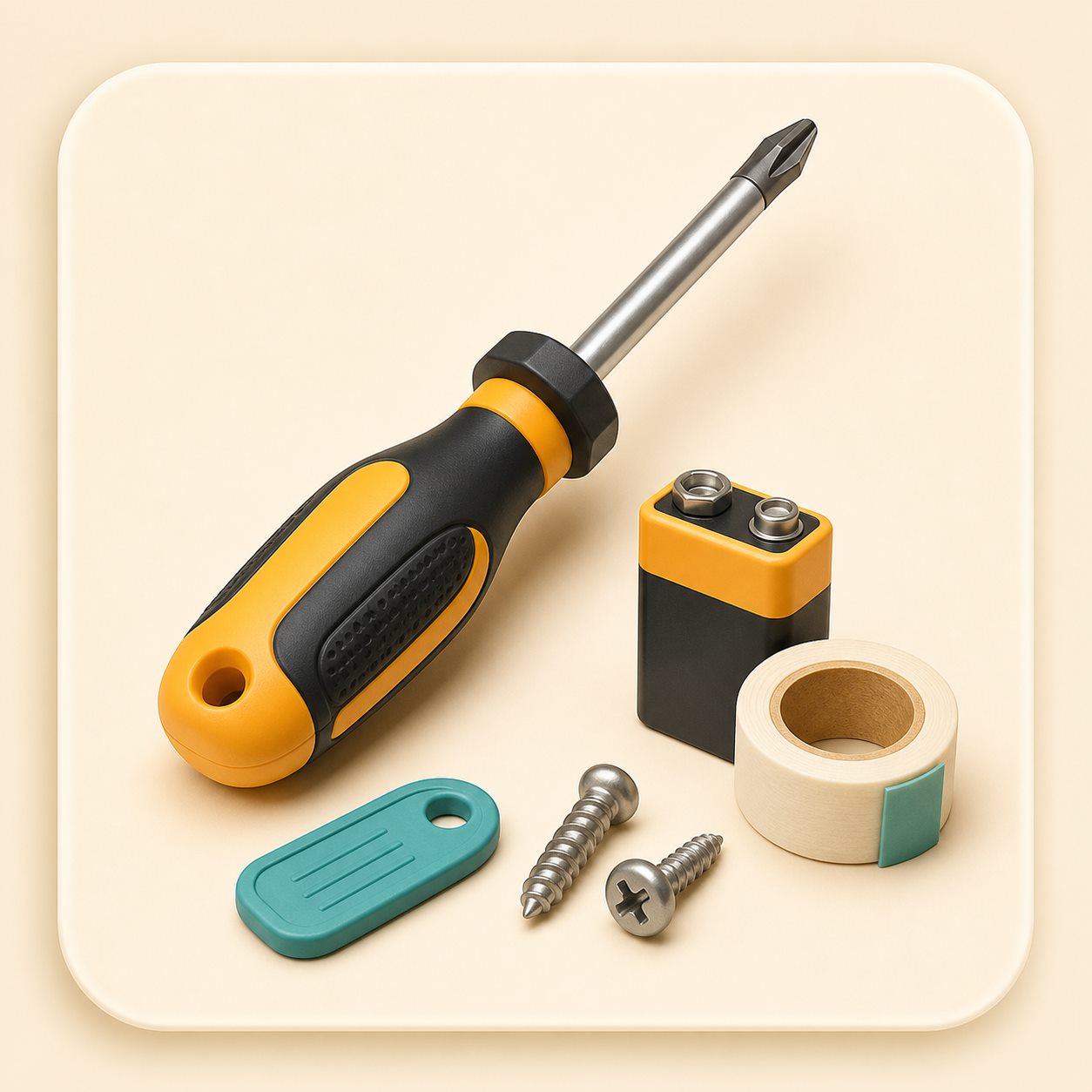 One photo, multiple items
Start with a photo
No need to enter each item. Photograph your fridge, bookshelf or tool drawer. Omni organizes items, quantities, suggested locations and expiry information.
Omni Assistant
Find items, count supplies, adjust inventory or plan household tasks, starting with a simple question.
You are asked to confirm moves, deletions and inventory changes.
“Where is the drill?”
Remember every location
Organize your inventory like your actual home. Keep items in a room or nested storage locations. Move a storage location and its contents move with it.

Less to remember. More room to live.
Check what you already have before you shop.
See what is expiring soon and use it in time.
Keep your family, tasks and maintenance plans organized.

Expiry and maintenance
Get advance reminders for food and medicine. Schedule recurring tasks for appliances that need maintenance, such as air conditioners and water filters.
A shared memory for your family
Family members share items, locations and reminders in one household. Assign anything that needs attention to the right person.
More ways to add and find
Upload a receipt or shopping list to identify names, quantities, suggested rooms and estimated expiry dates. Review and save in the Android app.
Take reference photos of a storage location from several angles. Match it in your surroundings to see its items and expiry status overlaid on the view.
A memory you can rely on
Background recognitionResults are retained when you switch pages, with controlled parallel processing of photos.
Recover from weak connectionsBatch saves can resume. Changes still require your confirmation.
About OmniTrack Home
Quick answers about who it is for, platforms, downloads, reviewing data and getting help.
OmniTrack Home is an Android home inventory app. Track items, quantities and nested storage locations, find your belongings, and manage expiry reminders and household tasks.
Anyone who wants to find things quickly, avoid duplicate purchases or manage storage, expiring items and tasks with their family.
The app is available for Android 8.0 and later. This website provides product information and Android downloads, not browser-based inventory management.
Choose the latest Android version on the download page, or browse previous versions and their locally generated QR codes.
No. Review and edit the recognized names, locations and quantities before confirming and saving them.
Read the Terms of Use and Privacy Policy on this website. The Privacy Policy explains account deletion and personal data requests. You can also submit a request in the app under Profile → Help & Feedback.
Open Profile → Help & Feedback in the Android app. This website does not list unverified contact details.
Last updated
Advanced features · MCP
Advanced users can generate an access token to connect expiry lists, item recognition and inventory tools to their own AI applications.
Start with one drawer
Download OmniTrack Home for Android and start with a drawer at home.